Yealink BH76 Teams Black USB-A – 1208617

Frequently Asked Questions

First, make sure the USB-A Bluetooth adapter is firmly plugged into your computer and that the headset is in pairing mode (usually by holding the power button until the LED flashes blue and red). Check that your computer’s Bluetooth is turned on and that no other device is already connected to the headset. If the adapter is not recognized, try a different USB port or restart the computer. If the problem continues, a Toronto-based VoIP support provider can often diagnose Bluetooth pairing issues remotely.
In Microsoft Teams, go to your device settings and confirm that the Yealink BH76 is selected as both the speaker and microphone. Also check the volume level on the headset itself by using the volume buttons. If the headset is connected to two devices, make sure the call audio is being routed from the correct device. Restarting Teams and reconnecting the headset often clears temporary audio routing glitches.
Ensure the retractable microphone arm is fully extended and positioned close to your mouth. In your softphone or meeting app, verify that the Yealink BH76 microphone is the selected input device. If you are using the ANC feature, try toggling it off to see if that changes clarity, as some noise-cancelling modes can occasionally affect voice pickup in very quiet environments.
Bluetooth audio dropouts are often caused by distance or interference. Move closer to the USB adapter or your phone, and avoid physical obstacles like metal desks or walls between the headset and the connected device. Check for other wireless devices nearby (Wi-Fi routers, other Bluetooth gadgets) that might be causing congestion on the 2.4 GHz band. A low battery can also cause instability, so try charging the headset fully.
Place the headset on the Qi charging stand so that the charging contacts align—usually indicated by a light on the stand. Make sure the stand itself is plugged into a power source via USB. Wireless charging is slower than using a cable, so if you need a quick top-up before a meeting, connect the headset directly with a USB cable instead.
The BH76 connects to two devices simultaneously via Bluetooth, typically a computer and a mobile phone. If your desk phone supports Bluetooth, you can pair it directly, but many office desk phones do not. In that case, you would need a Bluetooth-enabled desk phone or a separate adapter. For most softphone-based setups, using the computer connection is the simplest way to handle calls.
The busylight should automatically activate when you are on a call with a supported softphone like Microsoft Teams. Check that the headset is properly connected and that the call is active. If it still doesn't light up, make sure the headset firmware is up to date via the Yealink USB Connect application. If the issue persists, a Toronto-based VoIP support provider can help verify your software configuration.
You can cycle through the ANC modes by pressing the dedicated ANC button on the headset. The headset will provide voice prompts or tones to indicate the current level. If you aren't hearing any change, make sure the headset is powered on and not in a low-battery state that might disable ANC to conserve power.
VoIP Headsets

Yealink BH76 Teams Black USB-A – 1208617
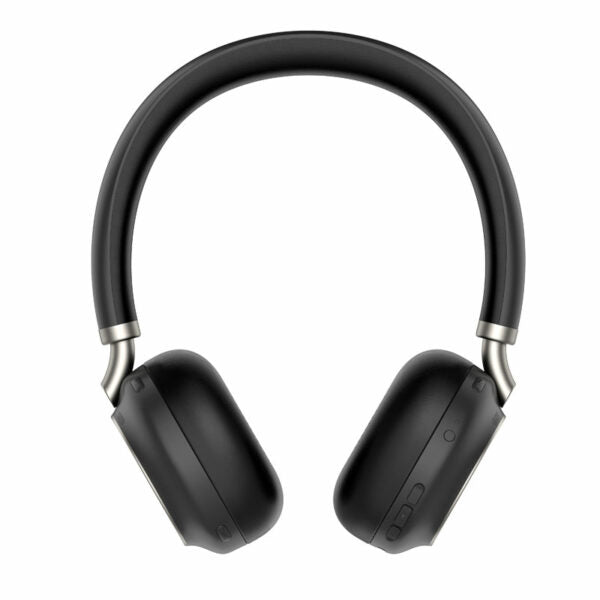
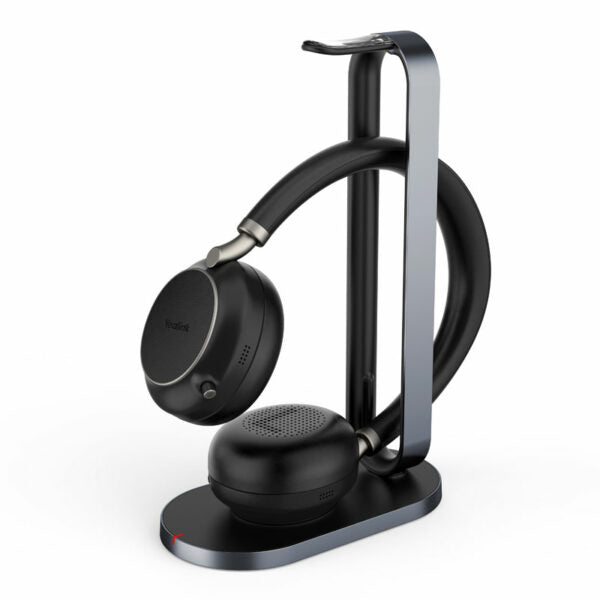
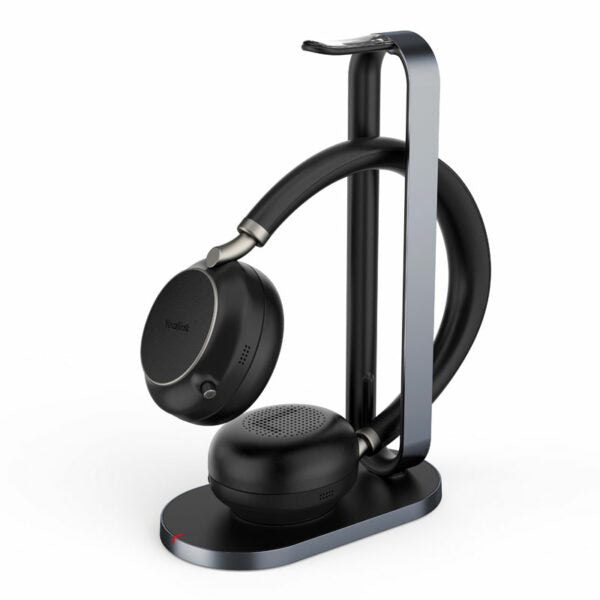
The Yealink BH76 Bluetooth Wireless Business Headset provides a stylish appearance, ultimate audio quality, and retractable hidden microphone arm technology for an immersive experience. Key features include: • Retractable hidden microphone arm • Multiple microphones with Acoustic Shield Technology • 4 levels of active noise cancellation (ANC) • Qualcomm aptX digital audio algorithm for high-definition professional audio and optimized music playback • Up to 40 hours wireless battery life • Qi wireless charging stand • Dual-side busylight for full visible angles • Excellent audio experience and all-day wearing comfort • Teams Certified Weight: 0.92lb Dimensions: 7.64 × 8.15 × 2.09 in Headset Type: Bluetooth, Teams Certified, USB Battery: • Talking time: up to 35 hours • Music time: up to 40 hours • Standby time: 112 hours • Charging Time (cable): within 2 hours • Charging Time (wireless charging): within 3 hours Audio: • Active Noise Cancellation: YES • Speaker size: 35 mm Ø • Speaker sensitivity: 117 dB @1 mW-1k Hz • Speaker max input power: 50 mW • Audio codecs: Aptx-HD Connectivity: • Connection (computer and mobile devices): USB-A Bluetooth adapter, Bluetooth • Bluetooth version: Bluetooth 5.2 • Operating range: Up to 30m/Up to 100ft • Simultaneous Bluetooth connections: 2

About This Product

The Yealink BH76 is a wireless headset aimed at professionals who spend much of their day on voice or video calls, especially in open offices or busy home environments where background noise is a constant challenge. Its retractable microphone and active noise cancellation make it a good fit for anyone who needs to sound clear without a boom mic permanently in view. The Teams certification means it integrates cleanly with Microsoft Teams, a platform widely used across Canadian businesses, from downtown Toronto firms to remote teams in the GTA.

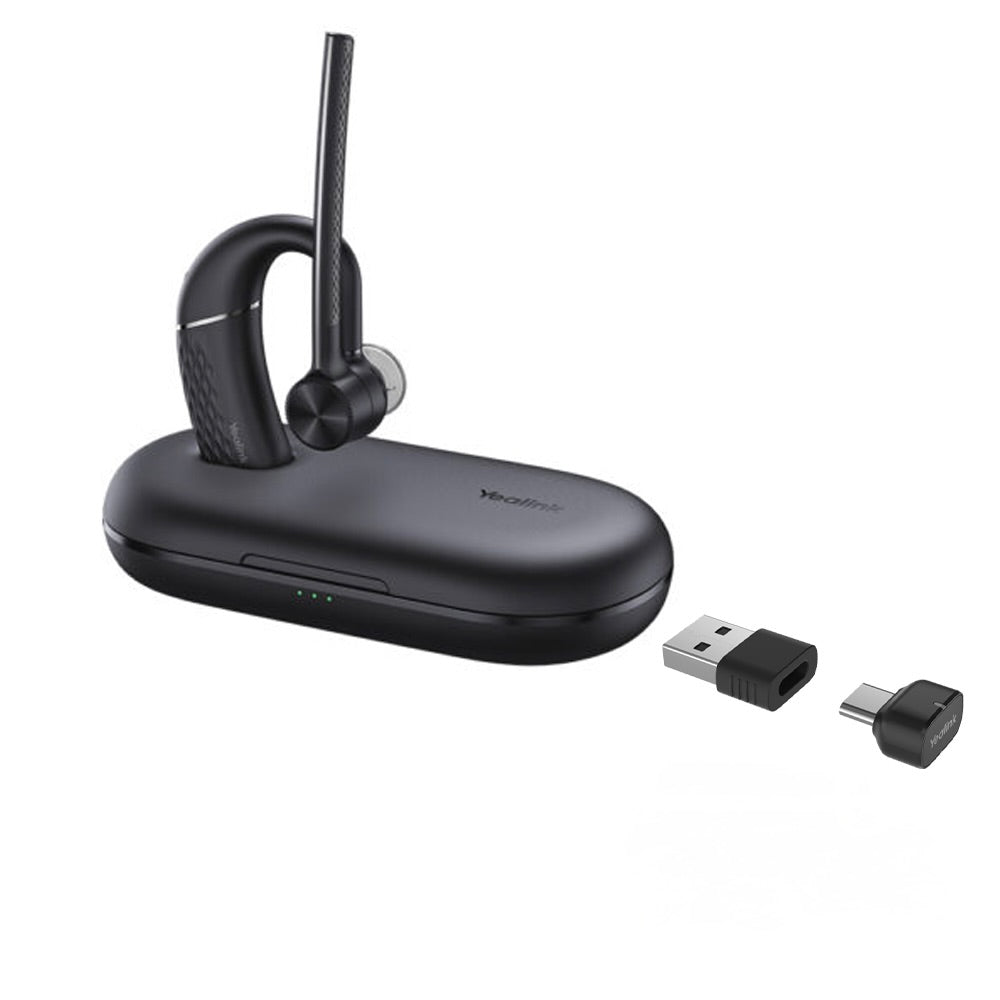
In practice, this headset pairs naturally with softphone setups on Windows or Mac laptops via the included USB-A Bluetooth adapter, and it can simultaneously connect to a mobile phone. That dual connectivity is handy for professionals who toggle between a desk phone app and personal calls. The Qi wireless charging stand adds convenience, though it charges more slowly than a direct cable, so heavy users may want to top up with a USB cable between long stretches of calls.

A buyer should know that while the BH76 delivers excellent audio for calls and music, its Bluetooth range of up to 30 metres assumes open air; in a typical office with walls and interference, the practical range may be shorter. Also, the USB-A adapter is not USB-C, so users with newer laptops that lack USB-A ports will need an adapter or dongle. The headset is overkill for someone who only occasionally takes calls and doesn’t need ANC or all-day battery life—a simpler wired or mono Bluetooth headset would save money without sacrificing basic functionality. Conversely, for a contact centre agent who is on calls for eight hours straight with no chance to recharge, a wired headset might be a more foolproof choice, though the BH76’s 35-hour talk time is generous enough for most business days.
Services We Provide
  • Professional Installation & Configuration
  • Ongoing Maintenance & Support
  • Troubleshooting & Repairs
  • System Upgrades & Updates