Yealink EXP50 Color-screen Expansion Module (60 Programmable Keys)-1300033
Frequently Asked Questions
Yealink EXP50 Color-screen Expansion Module (60 Programmable Keys)-1300033
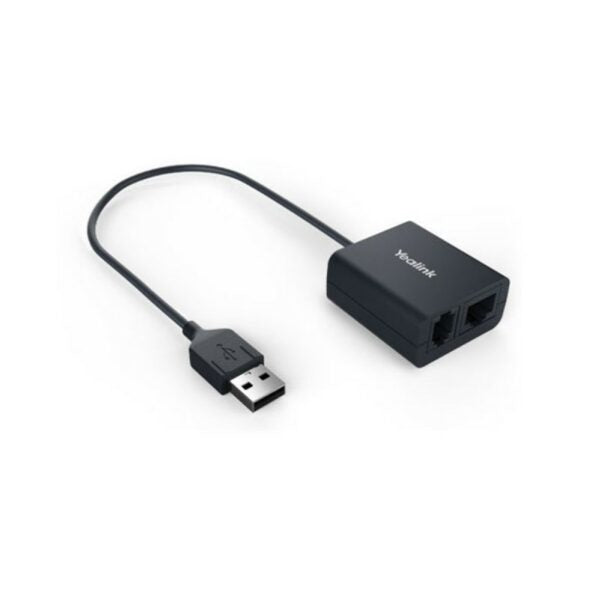
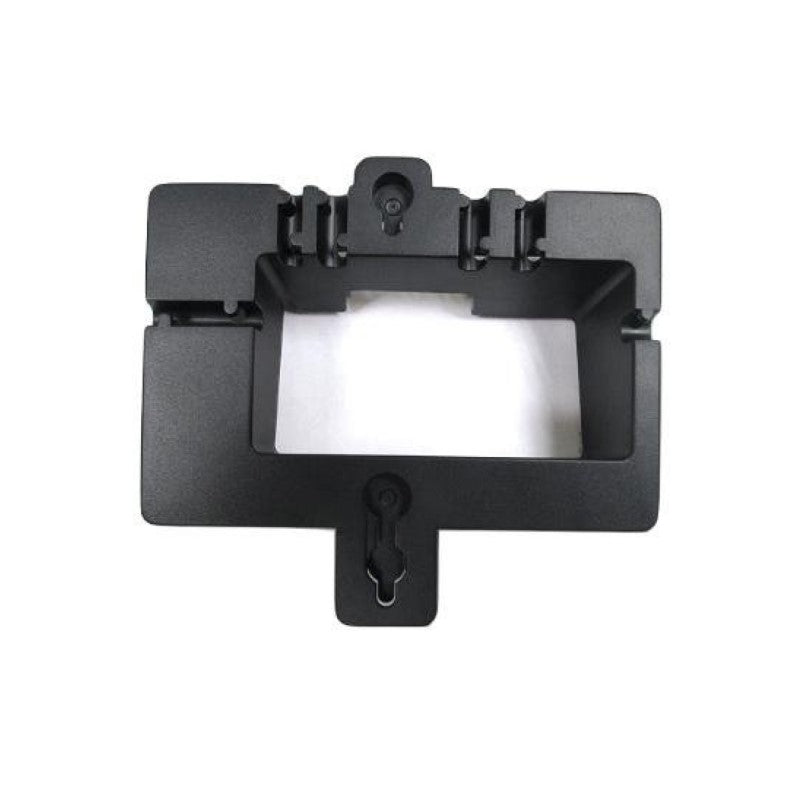
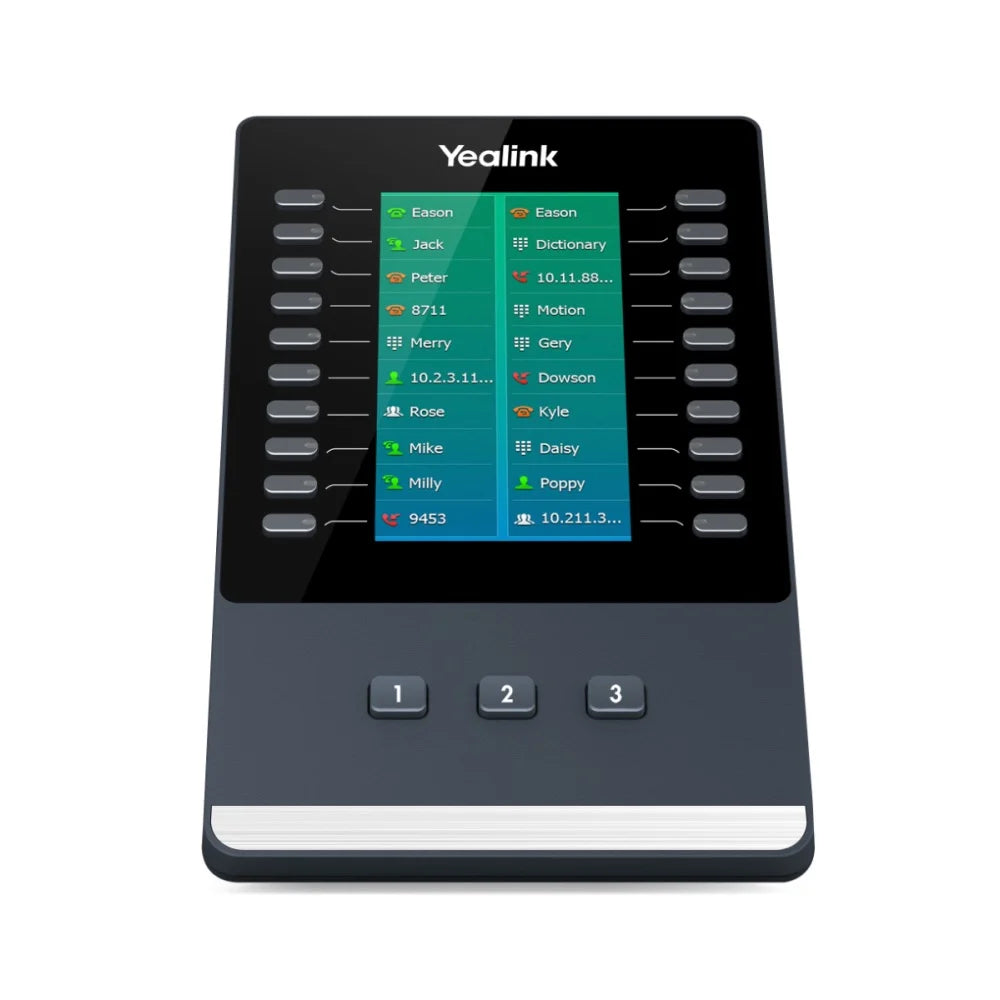
The Yealink EXP50 Color-screen Expansion Module transforms your desktop phone into a high-volume call management console, featuring a large 4.3-inch color LCD and 60 programmable keys per module via three pages of 20 buttons. It is an essential productivity tool for receptionists, administrative assistants, and contact center workers who rely on Yealink IP phones across SIP, Teams, and Zoom platforms. Key Features: • Massive Call Capacity: Up to 60 different programmable features per module • Ultimate Expandability: Supports up to three EXP50 modules with a potential 180 additional keys • Intuitive Call Handling: Program keys for essential features like BLF/BLA, Speed Dial, and Group Pickup Full Platform Compatibility: • Yealink IP Phones: T56A, T58A, T58W, VP59, MP56, MP58, MP58-WH • Teams Phones: T56A, T58A, T58W, VP59, MP56, MP58, MP58-WH • SIP Phones: T53, T53W, T54W, T57W, T58W, T58-PRO • Zoom Phones: MP56-Zoom, MP58-Zoom, VP59 Zoom What's Included in the Package: • Yealink EXP50 Color-screen Expansion Module • Desk Stand • Connecting Sheet • USB Cable (for connecting to the IP Phone) • Screwdriver • Screws • Quick Start Guide
About This Product
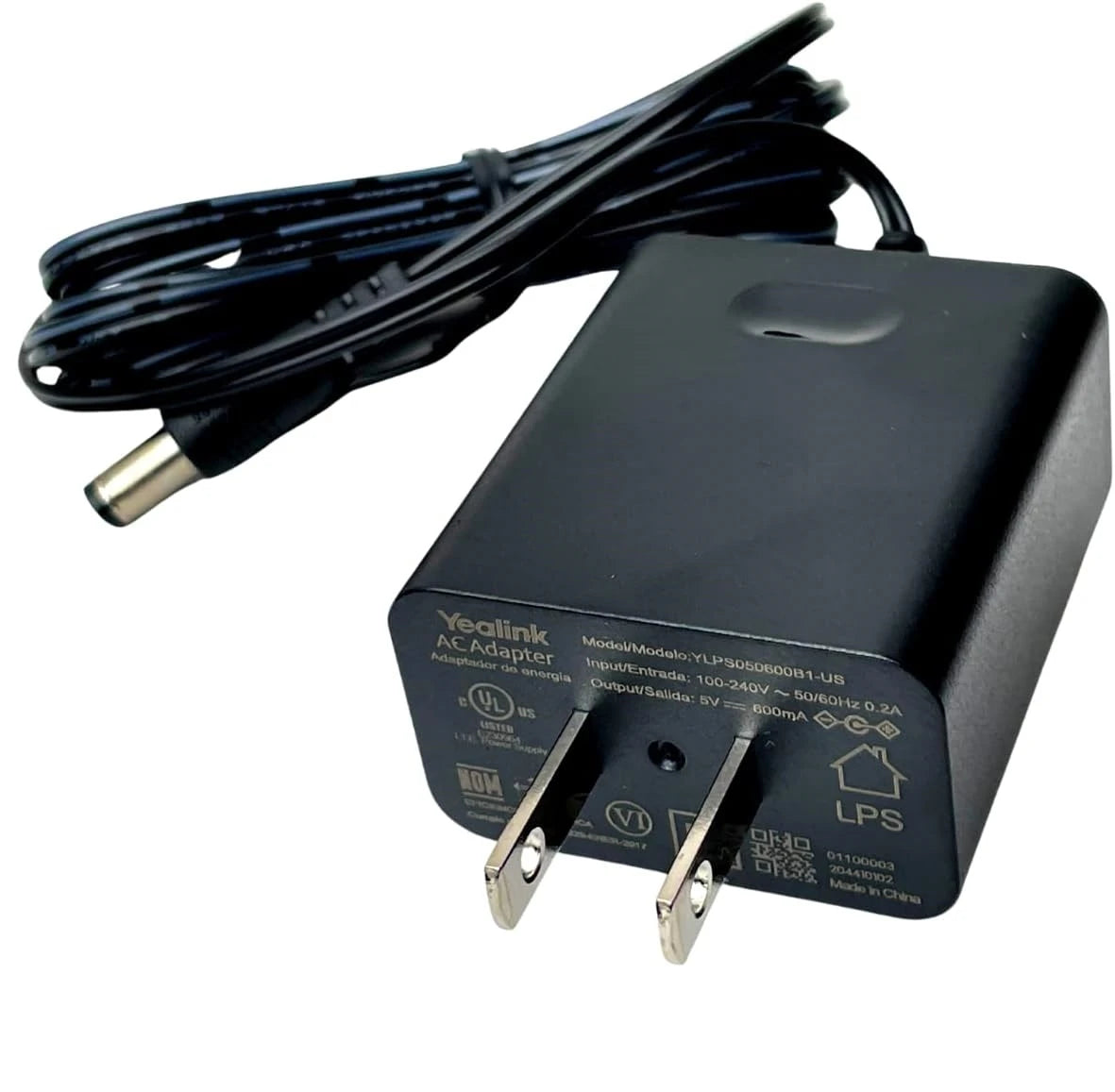
The module connects over USB to the host phone and draws power through that link, so no extra power supply is required. Up to three EXP50s can be daisy-chained off one phone, delivering up to 180 programmable keys across three colour-screen panels. That expandability makes it a viable option for a mid-sized contact centre supervisor who wants to monitor multiple queues, but it’s overkill for a single-line user or a small office where a few soft keys on the phone are enough.
Keep in mind that the EXP50 has no speaker, microphone, or handset of its own — it’s purely an input and display extension. Desk footprint grows noticeably once you attach a sidecar, and the USB cable creates a fixed physical tether between the phone and module. It also depends entirely on the host phone’s firmware; an outdated phone may not recognize the module or support all paging options, so a firmware review is a sensible first step before troubleshooting.
For Canadian businesses that have standardized on Yealink phones certified for Microsoft Teams, the EXP50 integrates natively without extra drivers, preserving the familiar Teams calling interface. If your call volume is modest, a lower-end sidecar or even a soft attendant console might suffice, but where call volume justifies it, the EXP50 fills a clear productivity gap.
Services We Provide
- Professional Installation & Configuration
- Ongoing Maintenance & Support
- Troubleshooting & Repairs
- System Upgrades & Updates