Yealink MB Wallmount 650 for MeetingBoard 65-3311073
Frequently Asked Questions
Start by confirming the wall bracket itself is level with a quality spirit level, not just the display. Even small shifts while tightening lag bolts can throw things off. If the bracket is level, check that the mounting hooks on the back of the MeetingBoard are fully seated in the bracket slots—sometimes one side can ride up slightly.
No, this mount is engineered specifically for the 65-inch Yealink MeetingBoard and its Extended Touch Display. The mounting points and weight distribution are different on the larger model. Using it with any other display risks an unsafe fit and could damage both the mount and the board.
First, check that all cables connected to the back of the MeetingBoard are routed through the intended channels and aren’t getting pinched between the display and the wall. Also, verify that the wall surface is flat—older drywall can have bumps or uneven joint compound that push the display out slightly.
The mount must be anchored into wood studs or a reinforced backing; drywall anchors alone are not sufficient for the weight of a 65-inch interactive display. If you’re mounting on a masonry or concrete wall, you’ll need appropriate concrete anchors. Always confirm the wall can support the combined weight of the mount and the display.
Check the box thoroughly—sometimes small parts bags get tucked into cardboard flaps. If hardware is genuinely missing, contact the vendor you purchased from for a replacement kit. Avoid substituting generic screws or bolts, as incorrect length or thread pitch can damage the display’s mounting points.
The mount itself doesn’t affect touch calibration, but if the display is not sitting parallel to the wall or is under physical stress from an uneven mount, it could slightly warp the frame. Ensure all mounting hooks are evenly engaged and that no cables are pulling on the board. If calibration issues persist, a Toronto-based VoIP support provider can usually resolve this remotely.
Video Systems
Yealink MB Wallmount 650 for MeetingBoard 65-3311073
• Compatible with 65-inch Yealink MeetingBoard and Extended Touch Display • Perfect for wall mounting, adding a professional touch to any meeting room or conference space
About This Product
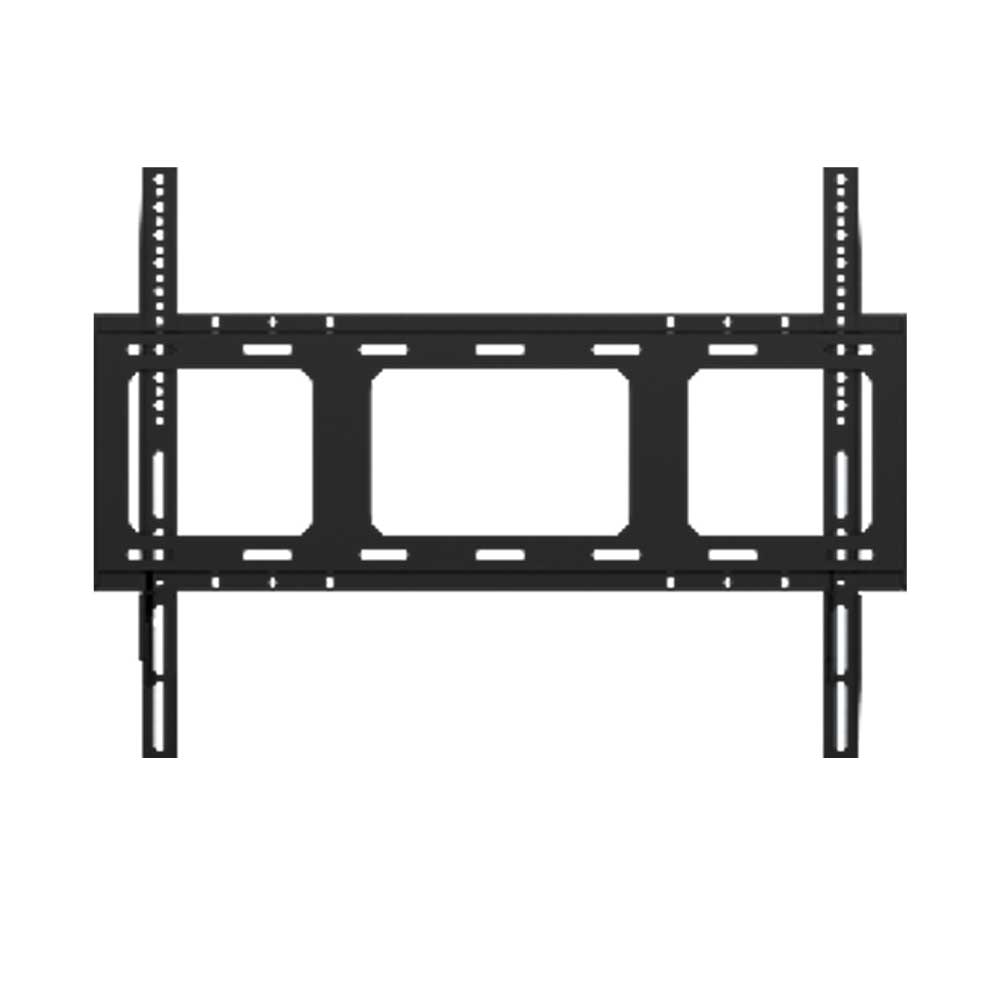
This wall mount is purpose-built for the 65-inch Yealink MeetingBoard and its matching Extended Touch Display, making it a straightforward choice for businesses that want a permanent, clutter-free installation in a dedicated meeting room or huddle space. It’s not a universal VESA mount; it fits only the specific Yealink model it’s designed for, so double-check your display before ordering. The mount keeps the interactive board flush against the wall, which works well in spaces where a clean, professional look matters and where you don’t need to frequently move the display.
For Canadian offices—especially those in the GTA where real estate demands efficient use of square footage—a wall-mounted collaboration screen can reclaim floor space that a cart would otherwise occupy. It pairs naturally with the MeetingBoard itself and any standard in-room audio or video conferencing gear you already have. The fixed design means you won’t get tilt or swivel adjustment, so you’ll want to plan sightlines and mounting height carefully before drilling. If you’re still experimenting with room layouts or renting a space temporarily, a mobile stand might be a safer bet.
Installation is straightforward for a competent AV installer or facilities team, but it does require securing into wall studs or a suitable backing. This isn’t a mount that forgives guesswork; an improperly anchored mount can lead to an expensive accident. If you’re outfitting a boardroom or training room where the display will live for years, this mount delivers a tidy, integrated look without unnecessary complexity.
For Canadian offices—especially those in the GTA where real estate demands efficient use of square footage—a wall-mounted collaboration screen can reclaim floor space that a cart would otherwise occupy. It pairs naturally with the MeetingBoard itself and any standard in-room audio or video conferencing gear you already have. The fixed design means you won’t get tilt or swivel adjustment, so you’ll want to plan sightlines and mounting height carefully before drilling. If you’re still experimenting with room layouts or renting a space temporarily, a mobile stand might be a safer bet.
Installation is straightforward for a competent AV installer or facilities team, but it does require securing into wall studs or a suitable backing. This isn’t a mount that forgives guesswork; an improperly anchored mount can lead to an expensive accident. If you’re outfitting a boardroom or training room where the display will live for years, this mount delivers a tidy, integrated look without unnecessary complexity.
Services We Provide
- Professional Installation & Configuration
- Ongoing Maintenance & Support
- Troubleshooting & Repairs
- System Upgrades & Updates