Yealink MCoreKit-C4-MS Native Microsoft Teams Rooms system BaseKit
Frequently Asked Questions
Yealink MCoreKit-C4-MS Native Microsoft Teams Rooms system BaseKit
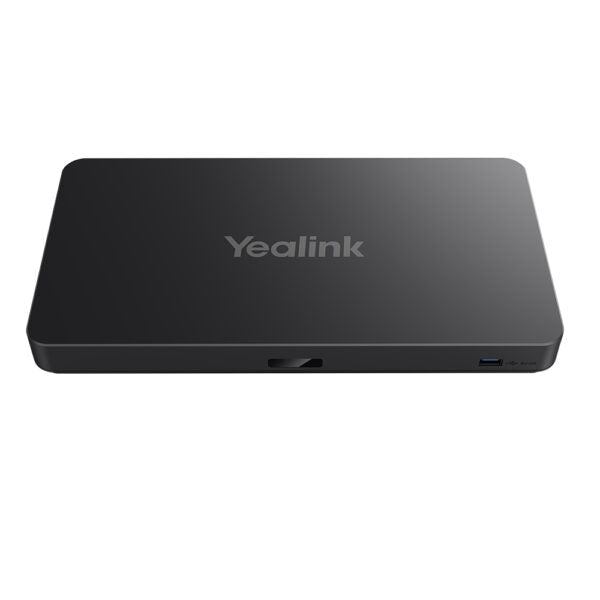
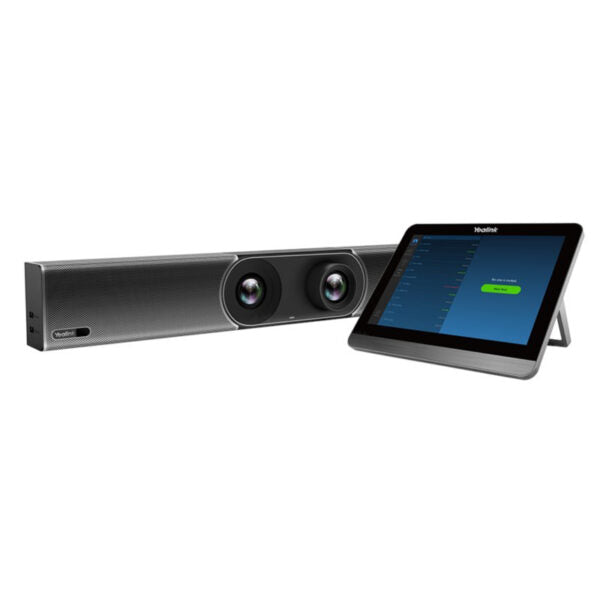
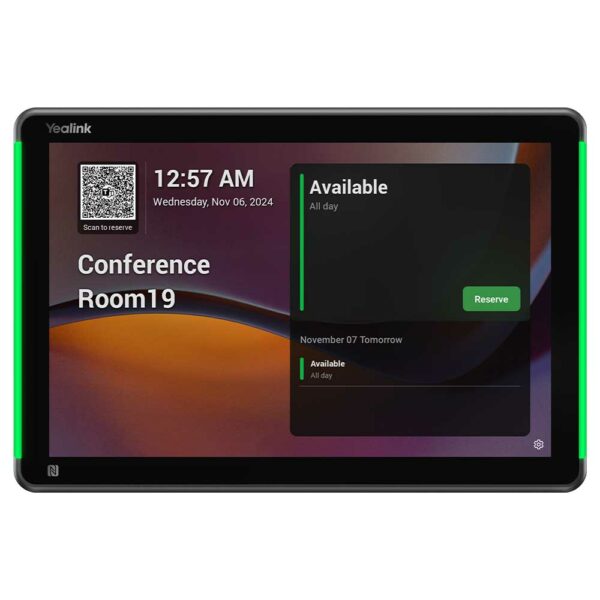
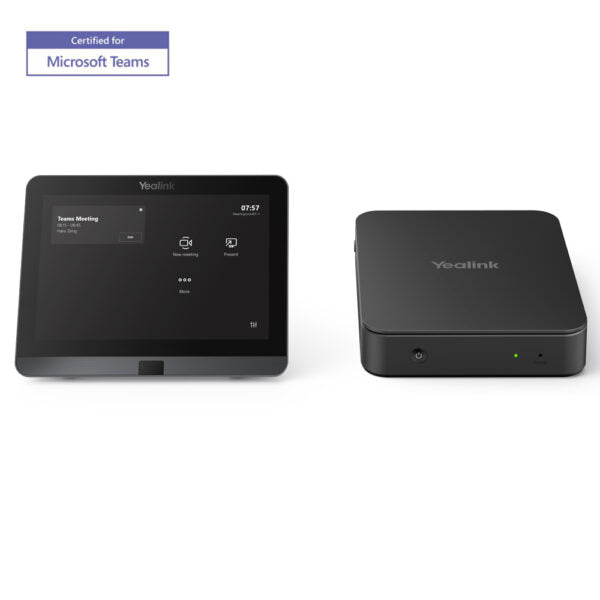
• Yealink MCoreKit-C4-MS Native Microsoft Teams Rooms system BaseKit • Includes Mcore Pro Mini PC, MTouch Plus, and RoomSensor • Powerful data processing capabilities for conference room systems with Intel Core 11th generation i5 processor • Three built-in HDMI video output interfaces support simultaneous display of three screens • TPM 2.0 for secure data protection • Automatic wakeup screen feature supported by CEC for convenient experience • Key Features: • MCore Pro: • Intel Core 11th i5 Processor • 3x HDMI Out • Support TPM 2.0 • Support CEC • Built-in security slot • Built-in EDID • Support 5k HDMI Out • MTouch E2: • 8-inch IPS screen • 1280 x 800 resolution • 10-point capacitive touch screen • Human Motion Sensor • Angle adjustable bracket (28° ~ 50°) • 1080P/30FPS FHD for sharing • Support wired and wireless content sharing • Built-in Wi-Fi AP for Yealink wireless presentation device • Additional Information: • Weight: 8.82 lb • Dimensions: 14.17 × 10.91 × 10.24 in • Video Conferencing: BYOD, Microsoft Teams, Control Panel • Technical Specifications: • Model: MCoreKit-C4-MS • Part number: 1206654 • Box Contents: • 1x Mini-PC with INTEL Core i5 quad-core CPU • 1x MTouch E2 • Microsoft Teams Rooms App, as well as Yealink Camera Control Plug-in preloaded on the mini-PC • 2-year hardware warranty
About This Product
This system pairs naturally with Yealink's own cameras and microphones, but it can also work with many third-party USB peripherals that are certified for Teams Rooms. A key tradeoff is that this is not a general-purpose computer—it runs the Teams Rooms software exclusively, so it cannot double as a staff workstation or run non-meeting applications. For a Toronto office deploying multiple huddle or boardrooms, the MCoreKit-C4-MS offers a consistent, IT-manageable platform, but it may be overkill for a small huddle room where a simpler USB bar or a BYOD setup would be sufficient. Conversely, it may be underpowered for a large boardroom needing complex multi-camera setups or advanced video processing beyond what Teams Rooms natively supports.
Canadian businesses should note that this system is fully compatible with Microsoft 365 tenants hosted in Canadian data centers, and its native Teams Rooms interface supports Canadian French and English. Power is supplied via an external adapter (not PoE), so ensure each room has accessible AC outlets. The inclusion of TPM 2.0 is a plus for organizations with strict security compliance requirements, such as those in finance or healthcare sectors in the GTA.
Services We Provide
- Professional Installation & Configuration
- Ongoing Maintenance & Support
- Troubleshooting & Repairs
- System Upgrades & Updates