Yealink MVC840-C5-000 Microsoft Teams Rooms System
Frequently Asked Questions
Yealink MVC840-C5-000 Microsoft Teams Rooms System
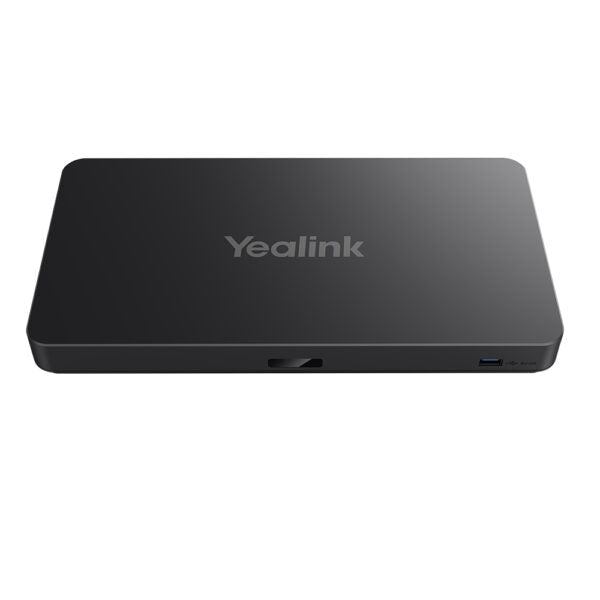
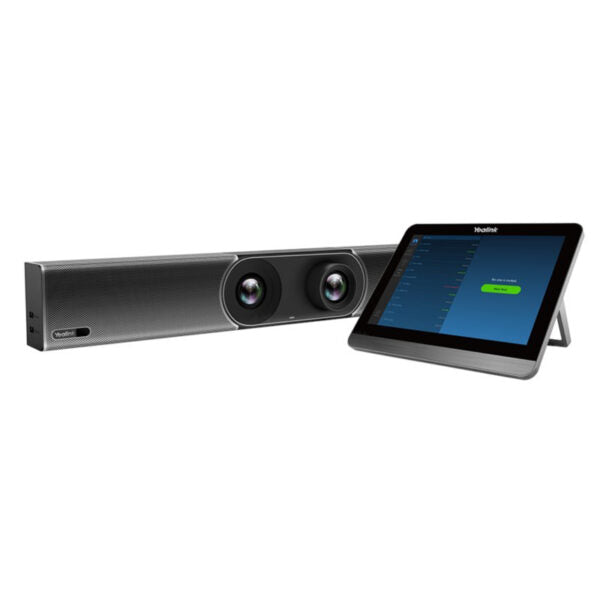
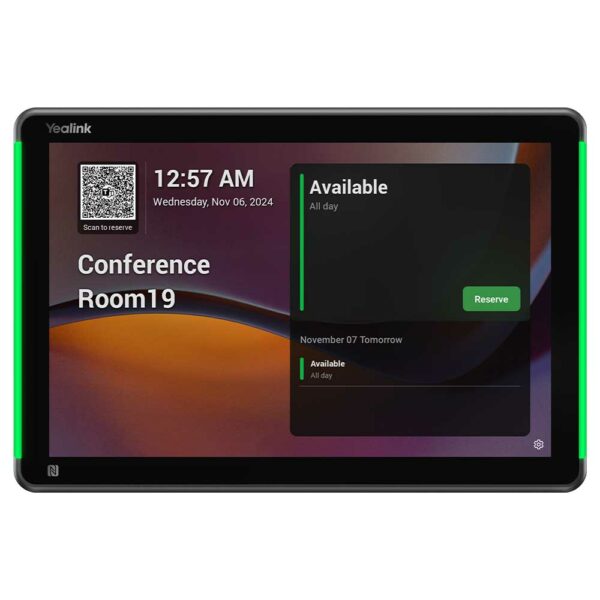
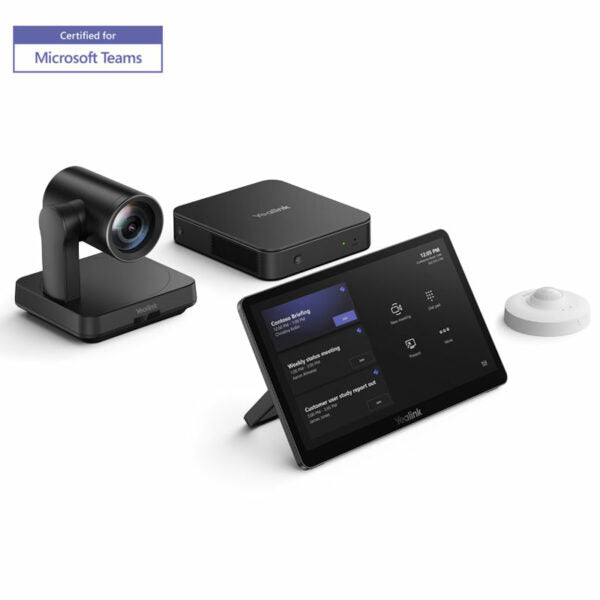
• The Yealink MVC840-C5-000 is designed for medium and large conference rooms, featuring a high-performance MINI-PC MCore Pro, touch panel MTouch Plus, and 4K PTZ camera UVC84. Key features include: • One Cable Technology • 3-Microphone Array • Yealink Camera Control Plug-in • Auto Framing • Wireless Content Sharing • Device Management The kit includes: - MCore Pro, Gen-3 Mini-PC - MTouch Plus, Gen-3 Touch Panel - UVC84 USB PTZ Camera - RoomSensor, Meeting Room Sensor Specifications: • Weight: 14.33 lb • Dimensions: 24.02 × 16.06 × 11.34 in • Video Conferencing: BYOD, Collaboration Bars, Microsoft Teams • Video Room Size: Large, Medium • Operating temperature: 0-40℃ • Operating humidity: 10-95% Additional information can be found on the Product Data Sheet.
About This Product
Because it’s a certified Teams Rooms system, the MVC840 integrates tightly with the Teams calendar, one-touch join, and centralized device management through the Teams admin center. The UVC84 camera’s 4K sensor and auto-framing capabilities work well for boardrooms where participants are seated around a long table, while the BYOD mode lets a laptop user take over the room’s display and camera for non-Teams calls when needed. That flexibility can be important in hybrid workplaces where guests may prefer a different platform.
Compared to a simple all-in-one video bar, this system is overkill for a small huddle space or a personal office. It’s designed for rooms where you’re willing to mount a dedicated PTZ camera and install a permanent touch panel. The built-in 3-microphone array is effective for typical meeting distances, but in very large rooms with high ceilings or lots of glass, you might need to supplement with an external microphone solution to capture voices evenly. The included RoomSensor adds occupancy data for workspace analytics, which is a useful extra for facility planning in busy Toronto office towers.
Installation does require some network and cabling planning—Power over Ethernet is used for the touch panel, and the One Cable Technology eases camera connectivity, but the system still needs a stable wired network connection and a Teams Rooms license. For a mid-market company with a 10–16 person boardroom, this kit hits the sweet spot between capability and total cost.
Services We Provide
- Professional Installation & Configuration
- Ongoing Maintenance & Support
- Troubleshooting & Repairs
- System Upgrades & Updates