Yealink UH35 Dual UC USB-C/A – 1308164

Frequently Asked Questions

First, ensure the USB connection is secure and try a different USB port. The headset supports Windows and macOS natively, so no drivers are needed. If it still isn’t detected, test the headset on another computer to confirm the issue is with the USB port or device.
Verify that the headset is fully inserted and that your phone model is on the compatibility list (T41S/T42S/T46S/T48S require firmware version 82 or later). On the phone, go to audio settings and confirm the headset is selected as the audio device. If the microphone remains silent, check that the mute button on the headset cable is not pressed.
First, make sure the volume on the headset control is turned up. Then confirm that your softphone or IP phone is outputting audio to the UH35. Try unplugging and reconnecting the USB connector. If sound returns, the connection may have been loose.
The busy light will only activate if your UC platform or phone supports the feature. Re-seat the USB connection to ensure the headset is properly recognized. In some softphones, the busy light setting must be enabled in the application preferences.
Press the mode button on the inline controller (usually marked with a music note or phone icon) to toggle between music and call modes. If the button doesn’t respond, try disconnecting and reconnecting the headset. This feature may not work on all platforms—test with your regular audio source.
Crackling often comes from a poor USB connection or interference. Plug the headset directly into a port on the computer (avoid hubs or extension cables). If the sound persists, inspect the cable for damage near the USB connector or the earcup hinge.
Press the mute button on the inline control pad. A red LED on the microphone boom or the control box indicates mute is active. If others still hear you while the LED is on, your softphone may have a separate mute setting—check that app too.
The headset volume buttons adjust the headset output independently from your device’s master volume. First, raise the volume in your softphone or phone to at least 50%. If the buttons still have no effect, try unplugging and reconnecting the USB cable to reinitialize the driver.
This is usually a USB connection issue. Try a different USB port and ensure the cable is not being pulled or bent sharply. Avoid using USB extension cables or front-panel ports. If disconnections continue, check for any USB power-saving settings in your computer’s device manager.
The UH35 is designed for USB-A or USB-C connections with computers and Yealink IP phones. Most smartphones do not support external USB headsets without an adapter, and call control features may not work. For consistent performance on mobile, a Bluetooth headset or a dedicated wired headset with a 3.5mm jack is recommended.
VoIP Headsets

Yealink UH35 Dual UC USB-C/A – 1308164
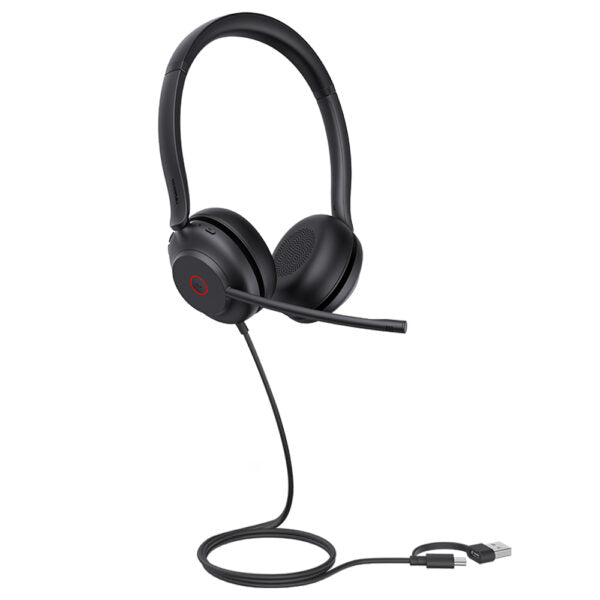
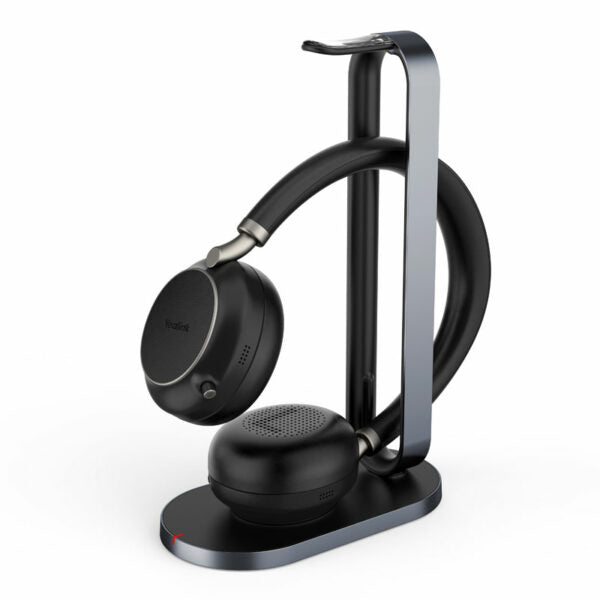
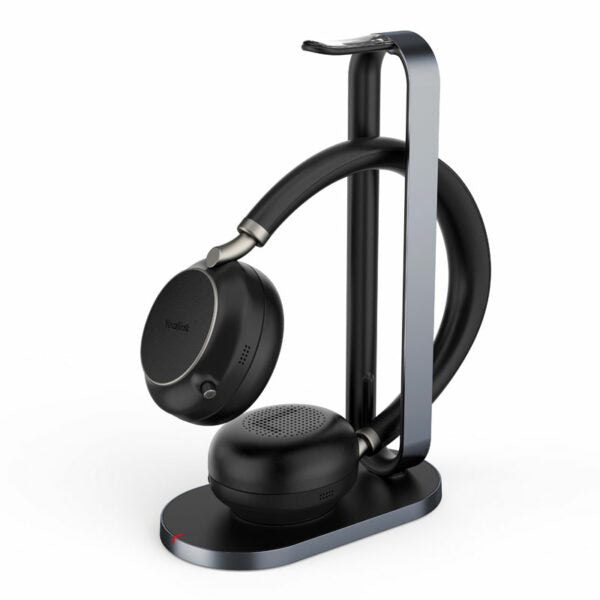
• Yealink UH35 is a professional USB-wired headset featuring excellent stereo sound and noise reduction technology, delivering clearer calls with passive noise cancellation. • Key features: • Plug-and-play USB connectivity to major UC platforms • Dual Noise-Canceling Microphones for reduced background noise • 35 mm Speaker for brilliant audio quality • Lightweight Comfort for all-day wear • Busy light and Call and Music Mode for convenience Additional Information: • Weight: 0.54 lb • Dimensions: 8.54 × 5.91 × 2.05 in • Headset Type: Stereo, UC Certified, USB Technical Specifications: • General Info: • Headset cable length: 1.2 m • Supported operating systems: Microsoft Windows, Apple Mac OS • Color: Black • Weight: 139.5 g • Operating temperature: -10°C to +50°C • Box Contents: • UH35 Dual Headset • Carrying Case • Quick Start Guide Main Features: • Plug-and-play USB connectivity to Yealink IP phones, including T41S/T42S/T46S/T48S/T42U/T43U/T46U/T48U/T53/T53W/T54W/T57W/T58A/VP59 (T41S/T42S/T46S/T48S should be upgraded to version 82 or later) • HD Voice/Wideband speaker performance • 35 mm speaker • Noise-canceling microphones and passive noise cancellation • Active Protection technology safeguards users from acoustic injury • Music control • Integrated LED indicator and warning tone • 300° bendable boom arm for easy adjustment without breaking Microphone: • Microphone quantity: 2 • Microphone frequency response range: 100 Hz-10 kHz • Microphone type: ECM • Microphone bandwidth: Wideband • Microphone sensitivity: -44.0 dB re. 1 V/Pa Speaker: • Speaker size: 35mm • Speaker sensitivity: 109 dB SPL @ 1 kHz, 179 mW • Speaker frequency response range: 20 Hz-20 kHz • Speaker impedance: 32+/-4.8Ω, @ 1.0 kHz • Speaker input power: Normal 10 mW, Max. 30 mW • Speaker bandwidth: Wideband Easy Call Management: • Answer/End/Reject/Hold a call • Volume up/down • Microphone mute • Redial last outgoing call

About This Product

The Yealink UH35 Dual UC USB-C/A headset is designed for professionals who spend significant time on calls, whether using a softphone on a PC or Mac, or paired directly with a compatible Yealink IP phone. It fits well in open-plan offices, home offices, or call centers where clear audio and noise reduction are essential for productivity. The wired USB connection eliminates battery concerns and ensures low-latency audio, making it a reliable choice for all-day use. While passive noise cancellation helps reduce background chatter, it is not as aggressive as active noise cancelling, so it may be less suitable for extremely loud environments. The headset is a solid upgrade from basic PC speakers or a mono headset, and its dual microphones and wideband audio deliver natural-sounding conversations. In Canadian business settings, such as GTA office deployments, it works seamlessly with major UC platforms and common VoIP providers, though the 1.2-metre cable length may require positioning the USB port within easy reach.
Services We Provide
  • Professional Installation & Configuration
  • Ongoing Maintenance & Support
  • Troubleshooting & Repairs
  • System Upgrades & Updates