Yealink WH64 Mono Teams -1208671
Frequently Asked Questions
Yealink WH64 Mono Teams -1208671
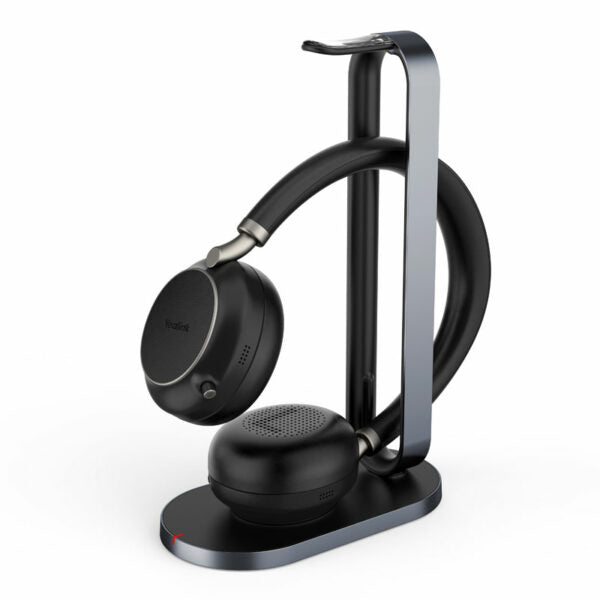
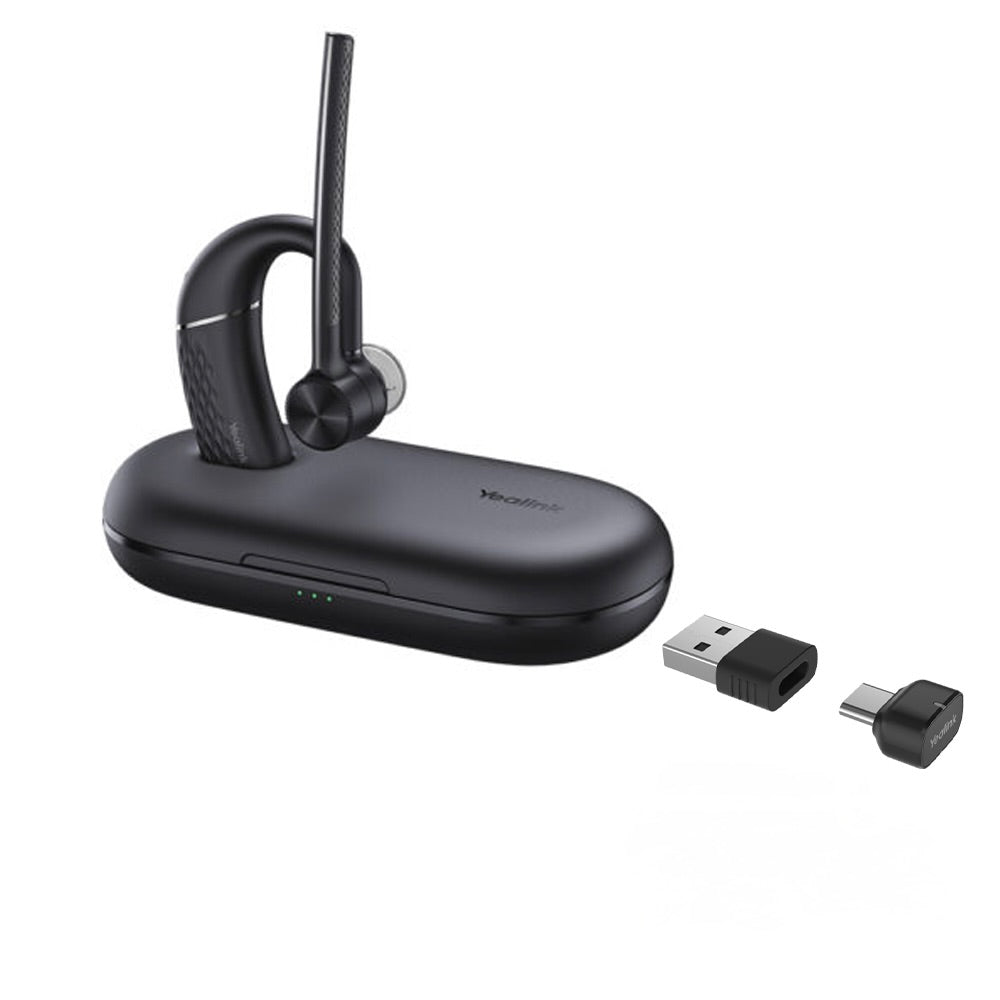
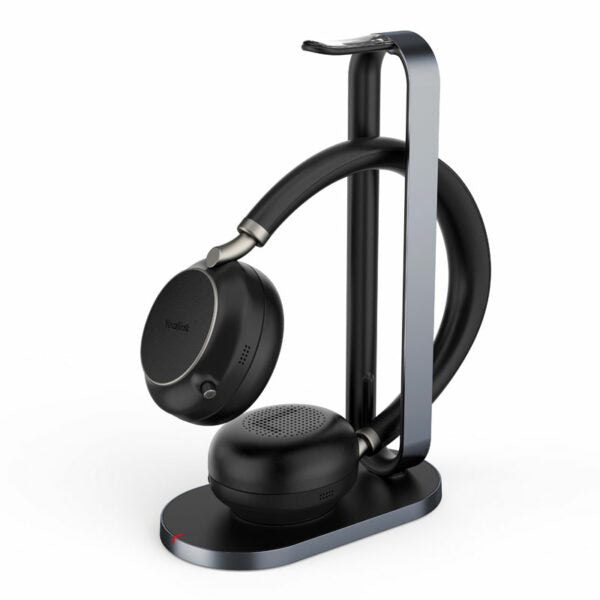
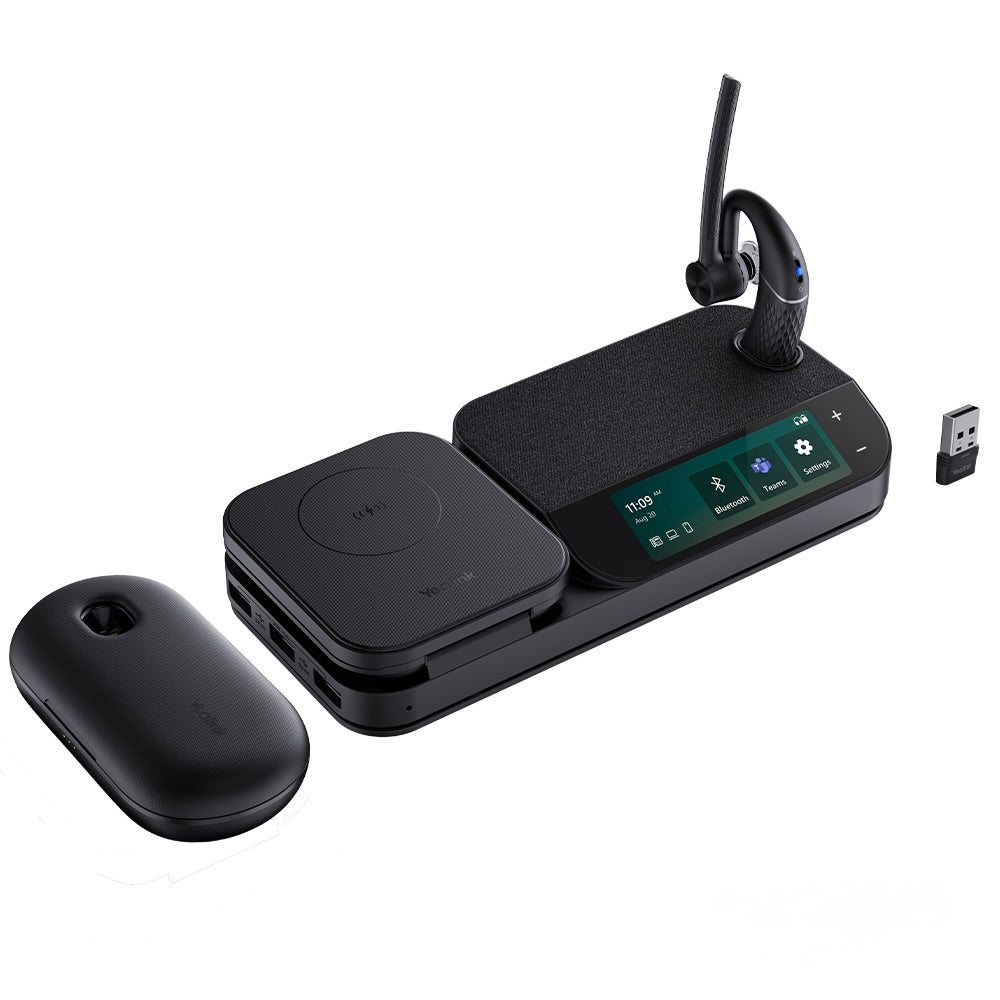
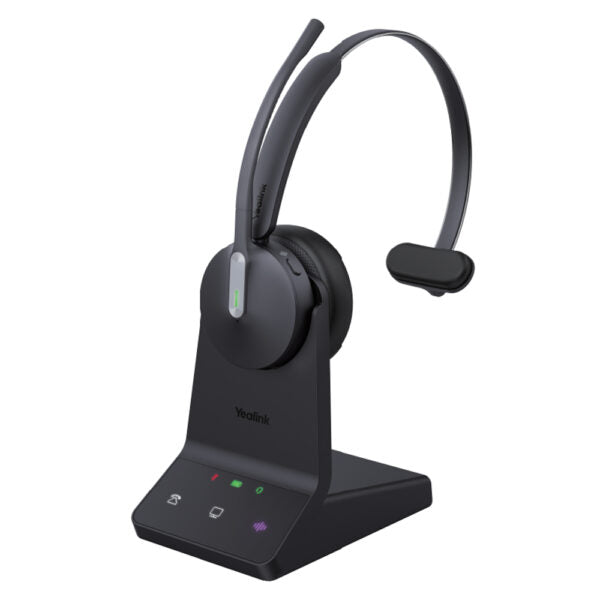
• The WH64 Mono Teams is a wireless headset for business communication, integrating DECT and Bluetooth modes for efficiency and flexibility. Advanced acoustic shield technology 2.0 filters out background noise for clear sound transmission. The busylight signals your call status to avoid interruptions. Ergonomically designed for an all-day comfortable wearing experience. • Key features include: • DECT & Bluetooth Hybrid Wireless Technology • All-day-wearing Comfort • Acoustic Shield Technology 2.0 • Hybrid Visual Busylight • Plug & Play for Mainstream IP Phones • Up to 32 hours Talking Time • Multiple Devices Connection • Compatible with mainstream UC platforms • Mono Headset • Teams Certified • Weight: 1.61lb • Dimensions: 7.6 × 9.4 × 3.92 in • Headset Type: DECT, Mono, Teams Certified • General Info: • Model: WH64 Mono Teams • Part number: 1208671 • Ports: • 1 micro-USB 2.0 port • 1 Type-C USB 2.0 port • 1 Mini USB port • 1 DC power port • 1 busylight port • 1 Type-C USB 2.0 (on headset) • Charging stand for headset • USB connectivity to PC and IP phone • Battery: • Talk time: up to 32 hours • Music time: up to 41 hours • Standby time: 157 hours • Charging time: 1.5 hours (5 V/1.2 A) • DECT: • Wireless range: up to 150 m/492 feet • Frequency bands: 1880 – 1900 MHz (Europe), 1920 – 1930 MHz (US) • Secure DECT levels: Step C, authentication • Bluetooth: • Bluetooth device • Bluetooth version: Bluetooth5.2 • Bluetooth profiles: HFP v1.8, A2DP v1.3.2, AVRCP v1.6.2, SPP v1.2 • Operating range: up to 50m/164 feet • Audio: • Hearing protection: Peak Block protection (EN50332), Australian G616 Protection (AU G616), Daily Noise • Exposure Protection • Microphone type: 3 microphones MEMS • Speaker size: Ф 30 • Speaker frequency range: 20 Hz-20 kHz • Call Control: • Answer/End/Reject a call • Hold/Unhold call • Volume up/down • Microphone mute • Move the microphone boom arm up to mute, or down to unmute
About This Product
It replaces a traditional wired headset or a simple Bluetooth headset, offering the expanded range and reliability of DECT. It pairs naturally with Yealink IP phones and works with any USB-connected computer or UC platform. For Canadian businesses using Microsoft Teams, the Teams certification ensures a seamless integration. The inclusion of both DECT and Bluetooth means you can take calls from your desk phone or softphone without switching headsets.
The mono configuration is ideal for call clarity but not for music or stereo audio. While the DECT range is excellent (up to 150m), Bluetooth range is shorter (50m), so be aware of the limitations if you rely solely on Bluetooth. The headset has a charging stand, but it requires a separate USB port near your desk. For a single-device home office user, this might be overkill; for a multi-device office worker, it is a solid productivity tool.
In a large open office with frequent movement, the WH64 provides flexibility that cheaper Bluetooth-only headsets cannot match. However, it is not designed for high volume call centers – while talk time is 32 hours, the single-ear design might not be comfortable for all-day use for some users. It is best suited for moderate call volumes in professional settings.
Services We Provide
- Professional Installation & Configuration
- Ongoing Maintenance & Support
- Troubleshooting & Repairs
- System Upgrades & Updates