Yealink WH66 Dual Headset Teams

Frequently Asked Questions

First, make sure the base is powered on and the headset is charged – a low battery can prevent pairing. Check that the headset is within DECT range (up to about 150 metres unobstructed, but walls reduce this) and try moving closer. If the base screen shows no headset paired, go to Settings > Registration and select the option to register a new headset, then put the headset into pairing mode by holding the mute button until the LED flashes red and blue. This resolves most connection issues without resetting anything.
Audio choppiness over DECT usually comes from interference or signal weakness. Try moving the base station away from large metal objects, Wi-Fi routers, or other DECT base stations. If you're wearing the headset, walk closer to the base and see if it clears up. Also check that both the base and headset firmware are up to date via the Yealink USB Connect software – an outdated version can cause Bluetooth or DECT stability problems. If the issue persists, a Toronto-based VoIP support provider can usually help refine the wireless environment remotely.
In Windows or Mac sound settings, verify that the Yealink WH66 speakerphone/microphone is selected not just for output but also for input. In Teams, go to Device Settings and confirm the microphone is set to the WH66 and not a built-in laptop mic. Physically, ensure the microphone boom is rotated down and positioned close to your mouth – the dual mics cancel noise, but they need to be within about an inch of your mouth for best pickup. A quick test is to record a voice memo on your computer to isolate the microphone path.
A frozen touch screen is usually temporary and often related to USB power fluctuations. Unplug the base station's USB cable from your computer, wait about 10 seconds, and plug it back in to reboot the base. Make sure you're using a powered USB port directly on the computer, not an unpowered hub, because the screen and speakerphone draw substantial current. If the screen remains unresponsive after a power cycle, connect the base to a different computer or a USB power adapter just to rule out a port issue. Do not press a paperclip into any reset hole unless guided by support, as this may reset the headset pairings.
First confirm that the headset base is recognized as the default audio device in Teams. In Teams, go to Settings > Devices and set both speaker and microphone to the WH66. If the button still doesn't work, open the Yealink USB Connect desktop app and check that firmware is current, and that the ‘call control’ integration is enabled for Teams. Some laptops require the headset base to be plugged in before launching Teams; close Teams completely, then reopen it. This ensures the Teams app detects the USB telephony interface correctly.
The built-in USB 3.0 hub depends on the computer's USB port for power. If you connect a high-power device like a phone, the computer's port may not supply enough current. Try plugging the base into a different USB port, especially a USB-C or Thunderbolt port that typically delivers more power. For data devices, check that the cable you're using supports data, not just charging – many charge-only cables will cause the drive to not appear. If the issue continues on multiple computers, test the hub with a low-power device like a keyboard or mouse to see if it's a power management problem.
Your WH66 Dual package includes two headsets. To pair the additional headset, on the base station touch screen tap Settings, then Registration, and select 'Register Headset'. Take the new headset, ensure it's charged, and hold the mute button down until the LED flashes red and blue. The base should detect it and confirm registration. Once paired, you can assign roles or use both for training calls, but note that only one headset can use the speakerphone at a time – the other listens through the earpiece.
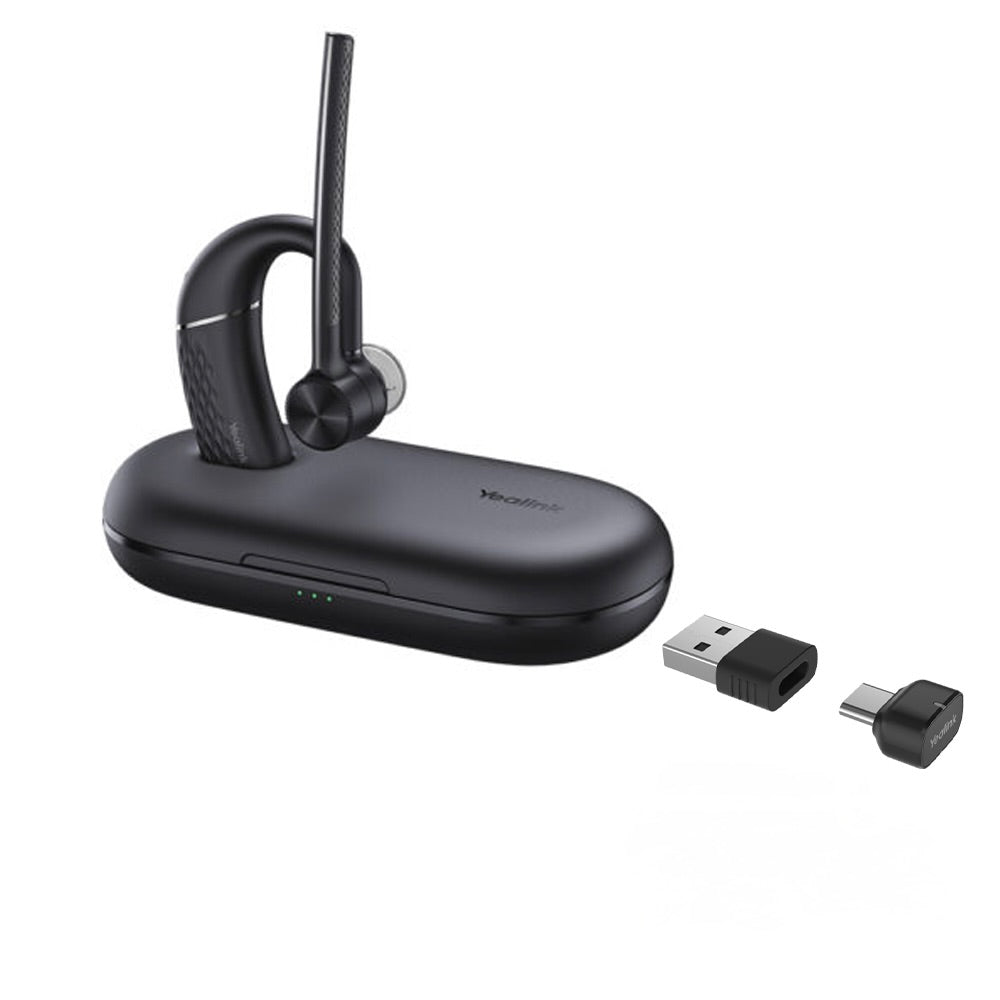
Native Bluetooth is not built into the WH66 base. However, you can add Bluetooth connectivity with the optional BT50 dongle, which plugs into the base's USB port. Once paired via the dongle, you can take mobile calls through the headset. Without it, the base only connects to a computer via USB and a desk phone if you have a compatible Yealink SIP phone. For mobile-first users, this is a consideration – plan on purchasing the dongle separately.
VoIP Headsets

Yealink WH66 Dual Headset Teams
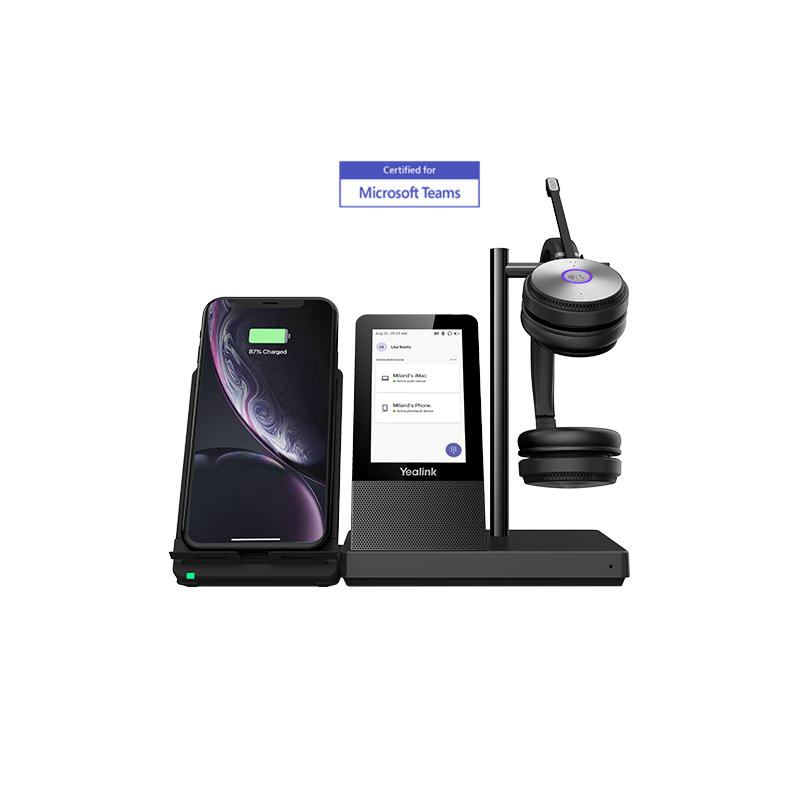
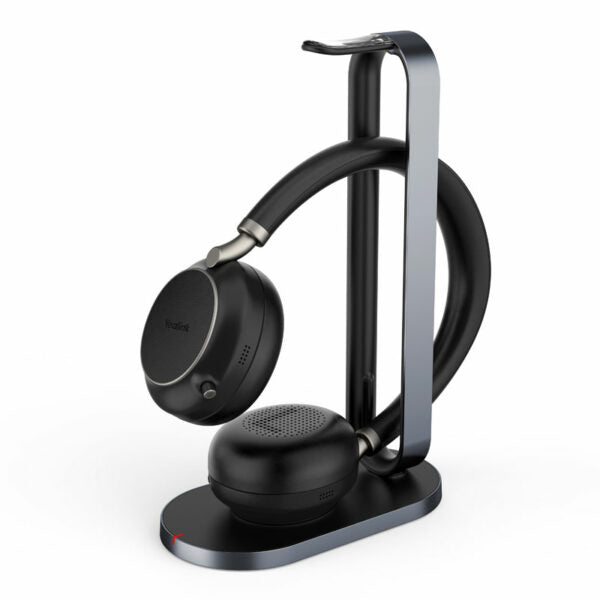
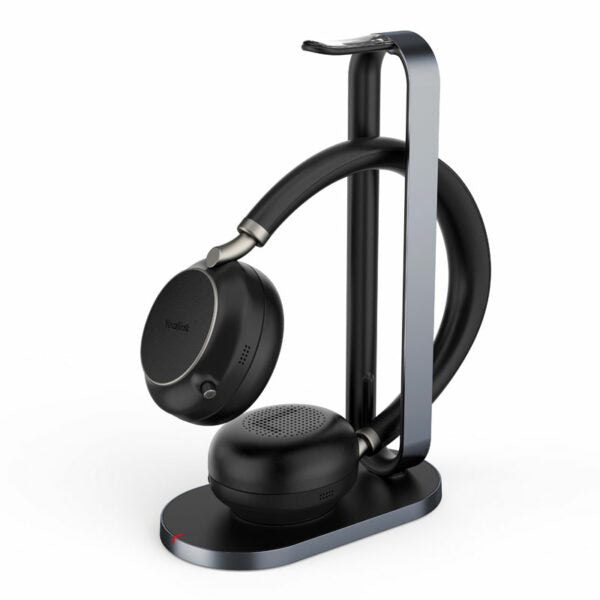
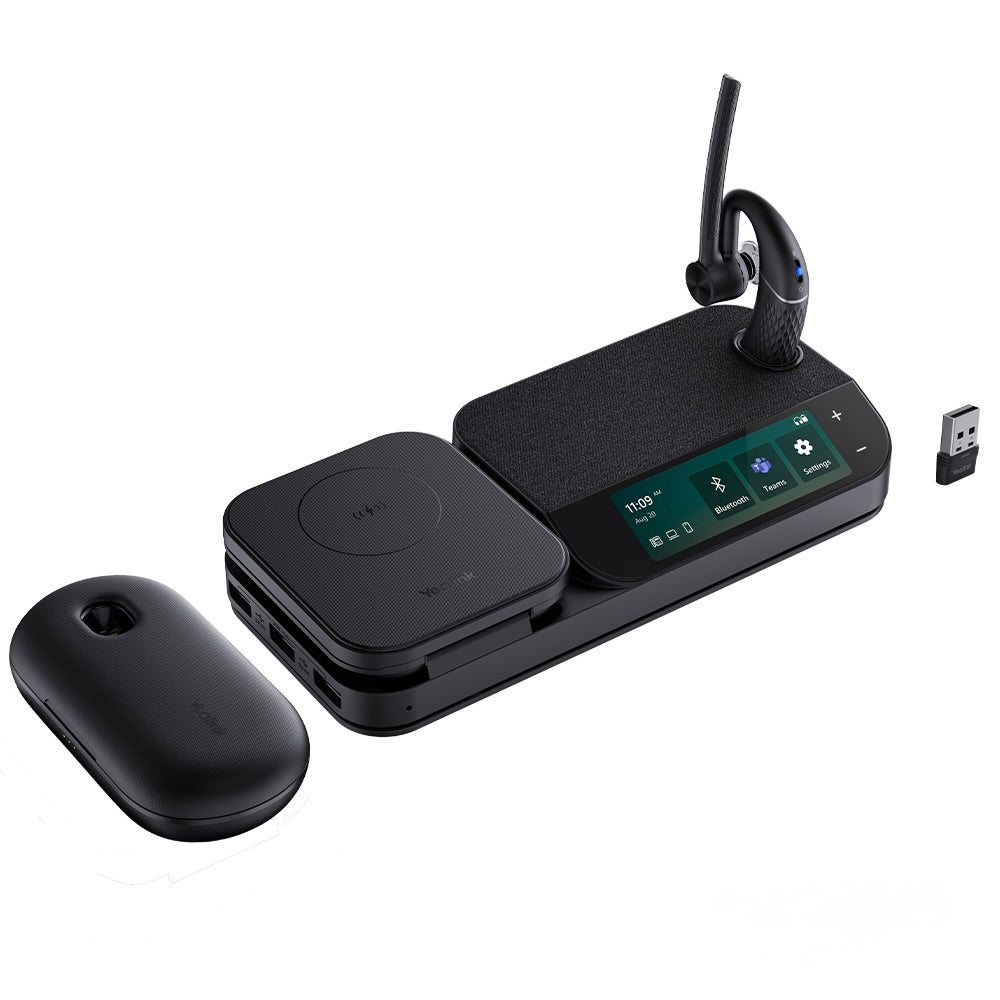
• Industry-leading DECT wireless headset with a 4.0 inch capacitive touch screen for seamless desktop collaboration • Work seamlessly with major UC platforms and integrate natively with Yealink IP Phones • Features: • 4.0 inch (480 x 800) capacitive touch screen for intuitive control • Yealink Acoustic Shield Technology for superior audio quality • 2-ports USB 3.0 hub for convenient device connectivity • Crystal speakerphone for clear calls and conversations • Teams Compatible for seamless integration with Microsoft Teams • Optional accessories: • Busylight BLT60 • Wireless Charger • Bluetooth Dongle BT50 • Additional Information: • Weight: 2.5 lbs • Dimensions: 10.5 × 8.5 × 5.5 in • Brand: Yealink • Headset Type: DECT, Stereo, Teams Certified, USB • Supported Platforms: Microsoft Teams • Technical Specifications: • Model: WH66 Dual Teams • Part number: 1308003 • Microphone type: dual microphone • Microphone sensitivity: -44.0+/-3 dBV • Speaker size: Ф 28 • Speaker impedance: 32+/-4.8 Ω

About This Product

The Yealink WH66 Dual is designed for professionals who spend most of their day on calls within a Microsoft Teams environment and need a desk phone-like control experience without picking up a handset. The integrated 4-inch touch screen on the base station sets it apart from simpler DECT headsets, giving instant access to call controls, contacts, and meeting join options directly from the desk. This makes the headset especially practical for executive offices, shared hot-desking stations, or contact centre supervisors who manage calls across softphone and desk phone workflows.

In a typical Canadian office or GTA deployment, this headset pairs naturally with Yealink SIP phones for hybrid Teams and SIP calling, but its USB connectivity also makes it a solid choice for a laptop-only setup when desk space is at a premium. The built-in USB 3.0 hub on the base can replace a port that the headset occupies, though power users should note that it draws its own bus power, so it may not charge high-power devices quickly. For a purely mobile-centric worker who only occasionally takes calls at a desk, this headset is likely overbuilt – the touch screen and speakerphone add cost and footprint that simpler DECT or Bluetooth headsets avoid.

The dual-headset configuration is a real benefit in training or side-by-side work scenarios, but buyers should understand that the DECT connection range – while excellent indoors – is still limited to a typical office floor. It won't replace a mobile Bluetooth headset for off-premises use, and connecting to a mobile phone requires the optional BT50 dongle, not built-in Bluetooth. For companies standardizing on Teams and wanting a consistent, high-quality desk experience across cubicles or private offices, the WH66 fits well; a small startup where everyone roams constantly might find it underutilized.
Services We Provide
  • Professional Installation & Configuration
  • Ongoing Maintenance & Support
  • Troubleshooting & Repairs
  • System Upgrades & Updates