Yealink WH68 UC – 1208713

Frequently Asked Questions

First, ensure the headset base is powered on and paired with the handset. If using DECT, check that the base is within range (typically up to 150 meters indoors) and that the phone is set to use the headset as the audio device. If the issue persists, try power cycling both the base and the phone.
Put the headset into pairing mode by pressing and holding the Bluetooth button until the LED flashes blue and red. On your computer, open Bluetooth settings, search for devices, and select 'Yealink WH68 UC' from the list. Once paired, you may need to set it as the default audio device in your softphone settings.
Audio dropouts are often caused by interference or range issues. Make sure you are within the recommended range of the base (DECT) or your computer (Bluetooth). Move away from other wireless devices like Wi-Fi routers or microwaves, and try repositioning the base to a higher, more central location.
Check that the charging cable is securely connected to both the headset and a power source. If using a charging cradle, ensure the contacts are clean and the headset is seated properly. Try a different USB port or power adapter. If it still doesn't charge, the battery may need replacement.
The WH68 UC supports dual-mode switching. While on a call on one device, press the call control button to put that call on hold, then use the other device to answer or make a new call. The headset will automatically switch audio to the active device. You can also use the Yealink Connect app to manage connections.
Ensure the microphone boom is positioned close to your mouth, about one finger's width away. Check that the mute button is not active. If the issue persists, try cleaning the microphone ports with a soft, dry cloth. Background noise cancellation may also be affected if the headset is not worn correctly.
Yes, the WH68 UC is certified for use with major UC platforms including Microsoft Teams, Zoom, and RingCentral. For optimal performance, install the Yealink USB Connect software on your computer to manage settings and ensure compatibility with your softphone.
Intermittent disconnections are often due to low battery or range issues. Charge the headset fully and stay within 10 meters of the base for DECT or 10 meters for Bluetooth. If the problem continues, try unpairing and re-pairing the headset with the base or computer.
Download the latest firmware from Yealink's support website. Connect the headset base to your computer via USB, then use the Yealink Device Manager or the firmware update tool to apply the update. Do not disconnect the headset during the update process.
Active Noise Cancellation is most effective against constant, low-frequency sounds like fan hum or traffic. Make sure the headset is properly seated on your ears and that the ANC button is toggled on. If you are in a very noisy environment, consider using the hybrid ANC mode for better results.
VoIP Headsets

Yealink WH68 UC – 1208713
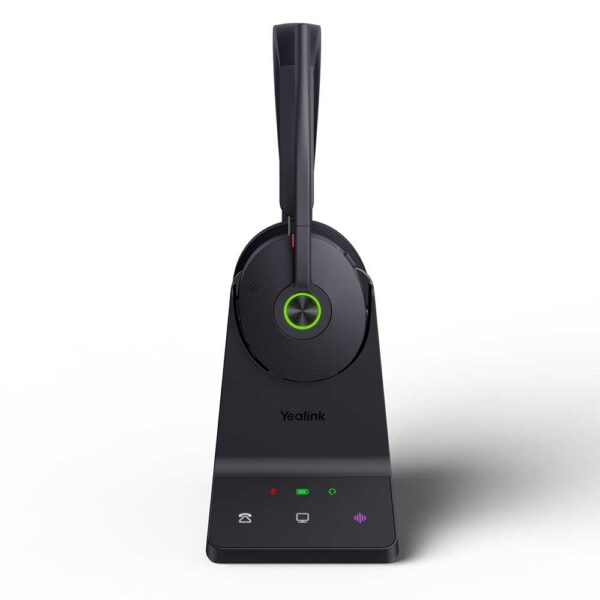
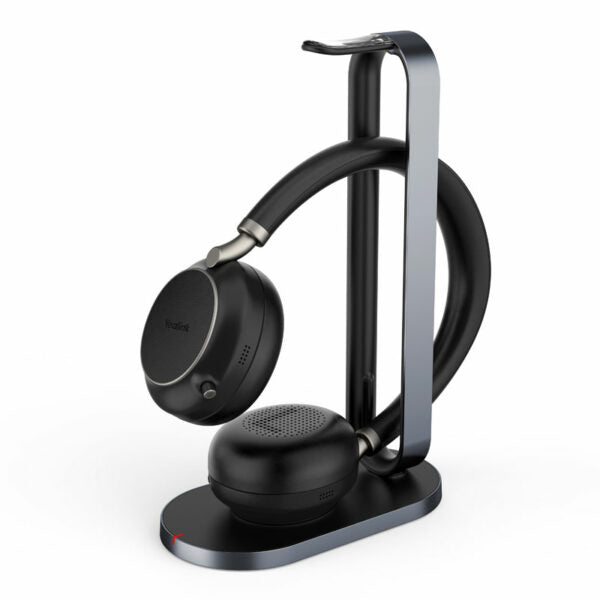
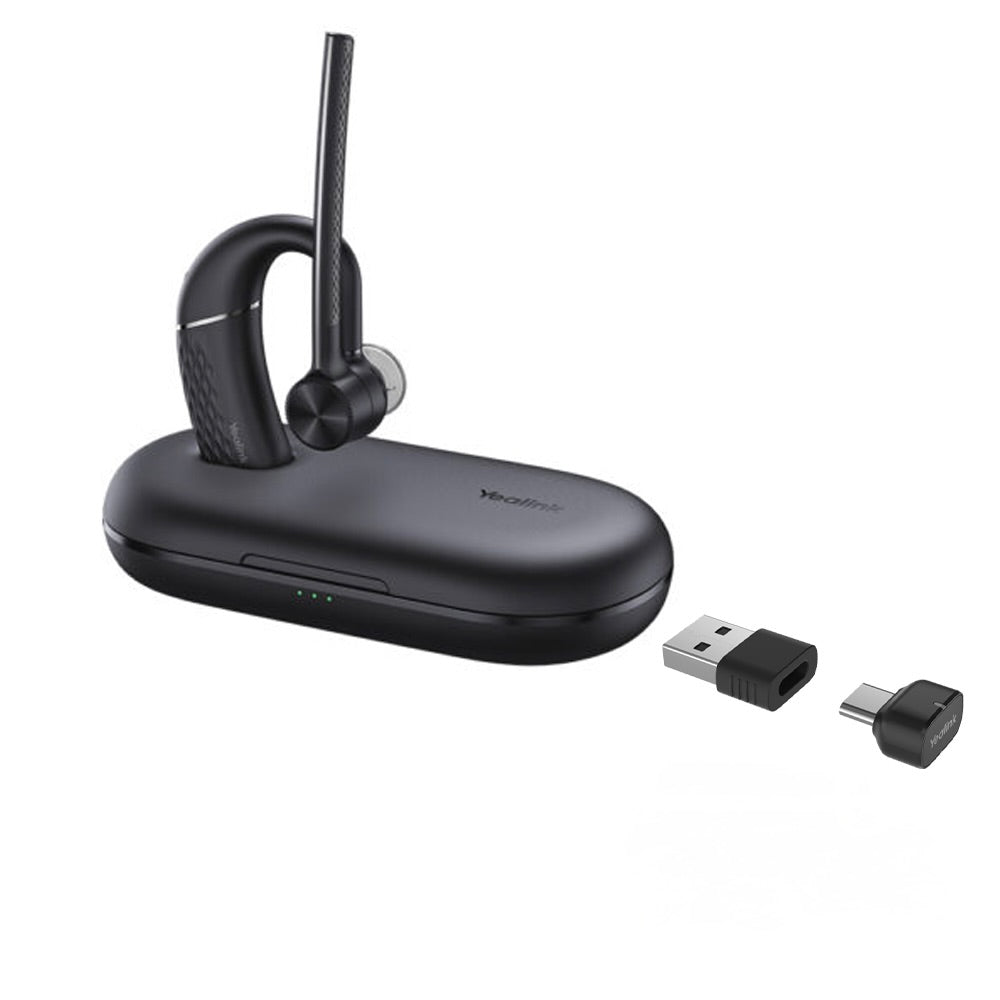
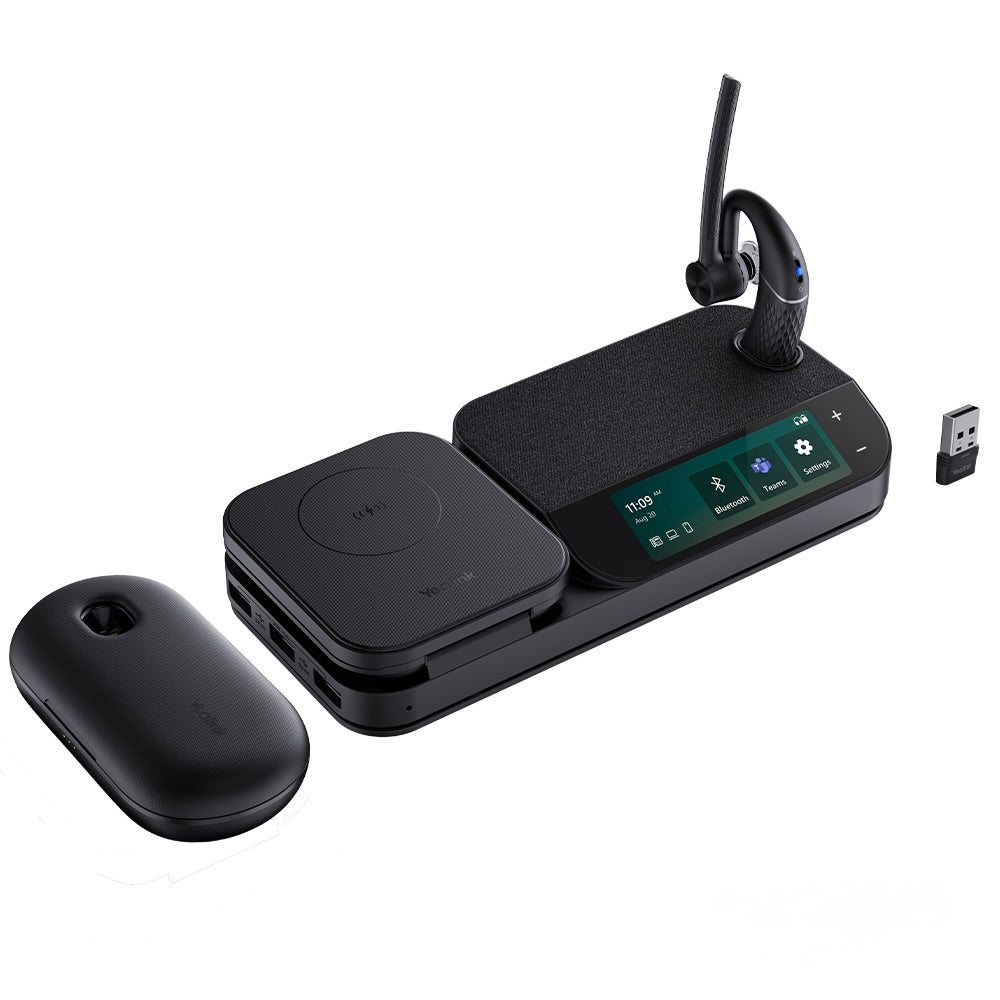
The Yealink WH68 headset is designed for efficient communication, integrating DECT and Bluetooth dual-mode technology for seamless multi-device switching. It features four intelligent noise-canceling microphones and Active Noise Cancellation (ANC) technology, effectively eliminating environmental noise interference to ensure crystal-clear calls. Key Features: • DECT & Bluetooth Wireless Technology • Acoustic Shield 3.0 Technology • Hybrid ANC Noise Reduction • All-day-wearing Comfort • Compatible with mainstream phones & UC Platforms • Multiple devices Connection Technical Specifications: Audio: • Speaker size: 30mm • Speaker frequency range: 20 Hz-20 kHz • Microphone sensitivity: -38±1dBV/Pa • Microphone frequency range: 100HZ-10kHz • Talk mode: wideband, 100 Hz~8 kHz, 16 kHz sample rate • Music mode: full-band, 20 Hz~20 kHz, 48 kHz sample rate, Stereo Hearing Protection: • Peak Block Protection (EN50332) • Australian G616 Protection (AU G616) • Daily Noise Exposure Protection

About This Product

The Yealink WH68 UC is a dual-mode wireless headset that combines DECT and Bluetooth connectivity, making it a strong fit for professionals who need to move between a desk phone and a softphone or mobile device throughout the day. It is well-suited to open-plan offices or busy home environments where background noise is a concern, thanks to its four-microphone array and active noise cancellation. The headset pairs naturally with Yealink IP phones and works with most major UC platforms, so it can integrate into an existing VoIP setup without much friction. One practical tradeoff is that DECT range is generally excellent within a building, but Bluetooth range is shorter and can be affected by interference; users who roam far from their desk may want to rely on DECT for the primary connection. For a small office or a single power user, the WH68 UC offers premium features that justify its price, but in a large deployment where every desk needs a headset, the cost may be overkill unless noise cancellation is a critical requirement. It is not underpowered for typical call-center or executive use, but it would be excessive for a user who only takes a few short calls per day and does not need multi-device switching.
Services We Provide
  • Professional Installation & Configuration
  • Ongoing Maintenance & Support
  • Troubleshooting & Repairs
  • System Upgrades & Updates